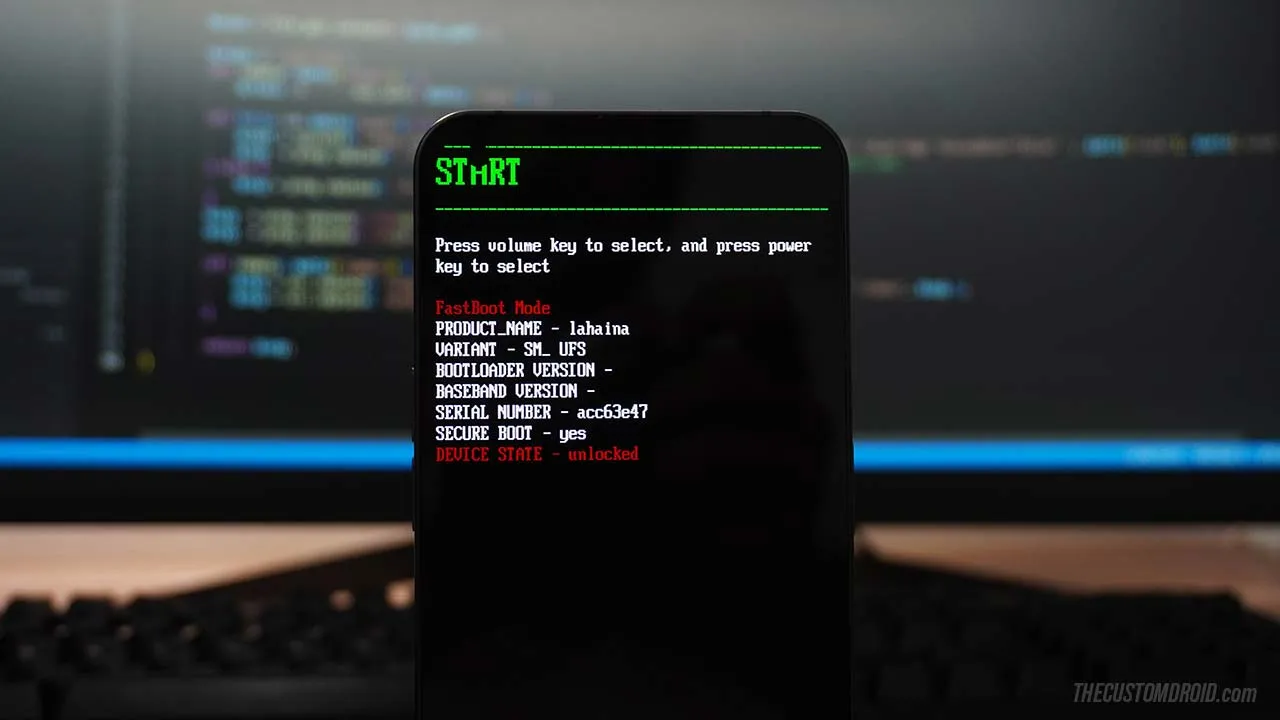
Enter Fastboot and Recovery Modes on Nothing Phone 1 [Guide]
Learn how to boot the Nothing Phone 1 into Fastboot and Recovery Modes by pressing a combination of physical buttons and by using ADB commands.
Category
Tutorials on the basics of Android, and Tips and Tricks to get the most out of your Android device.
Learn how to boot the Nothing Phone 1 into Fastboot and Recovery Modes by pressing a combination of physical buttons and by using ADB commands.
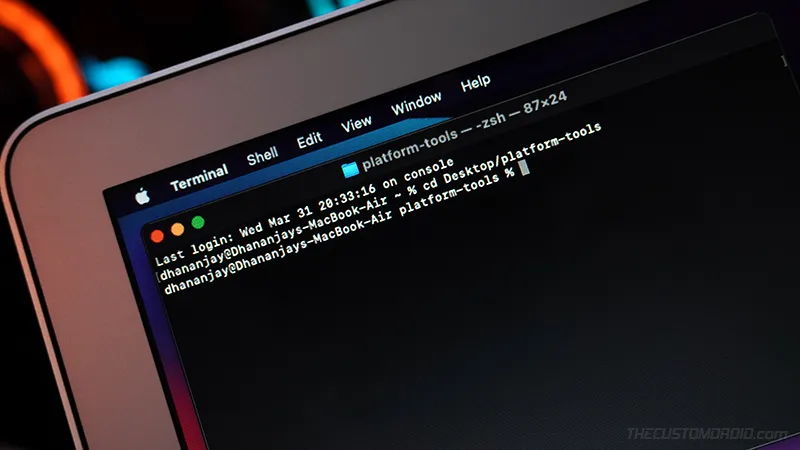
Learn how to open an ADB/Fastboot command-line window inside the Platform-Tools folder on Windows, macOS, and Linux computers.
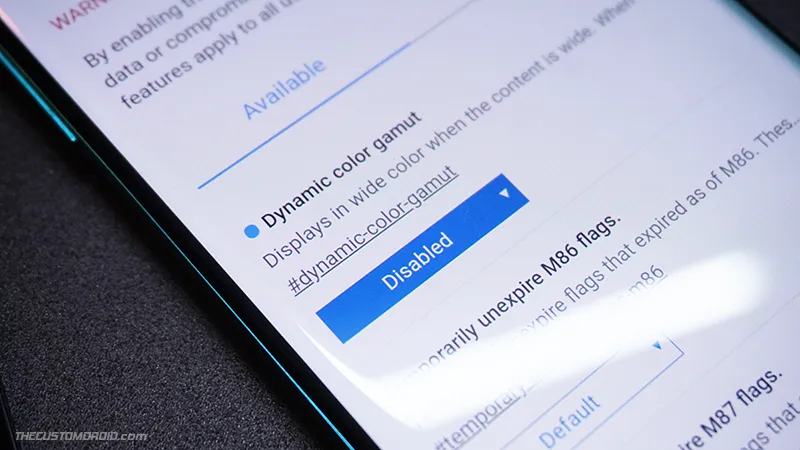
Here's how you can easily fix the Yellow tint issue in the Chrome app on Android devices like OnePlus 8, OnePlus 8 Pro, OnePlus 8T, and Poco X3 NFC.

A complete step-by-step guide on how to unbrick Asus ROG Phone 3 from a hard-bricked state using EDL Unbrick Tool and RAW firmware.

Guide to fix SafetyNet's hardware-backed attestation and CTS profile on rooted devices using Universal SafetyNet Fix and MagiskHide Props Config modules.
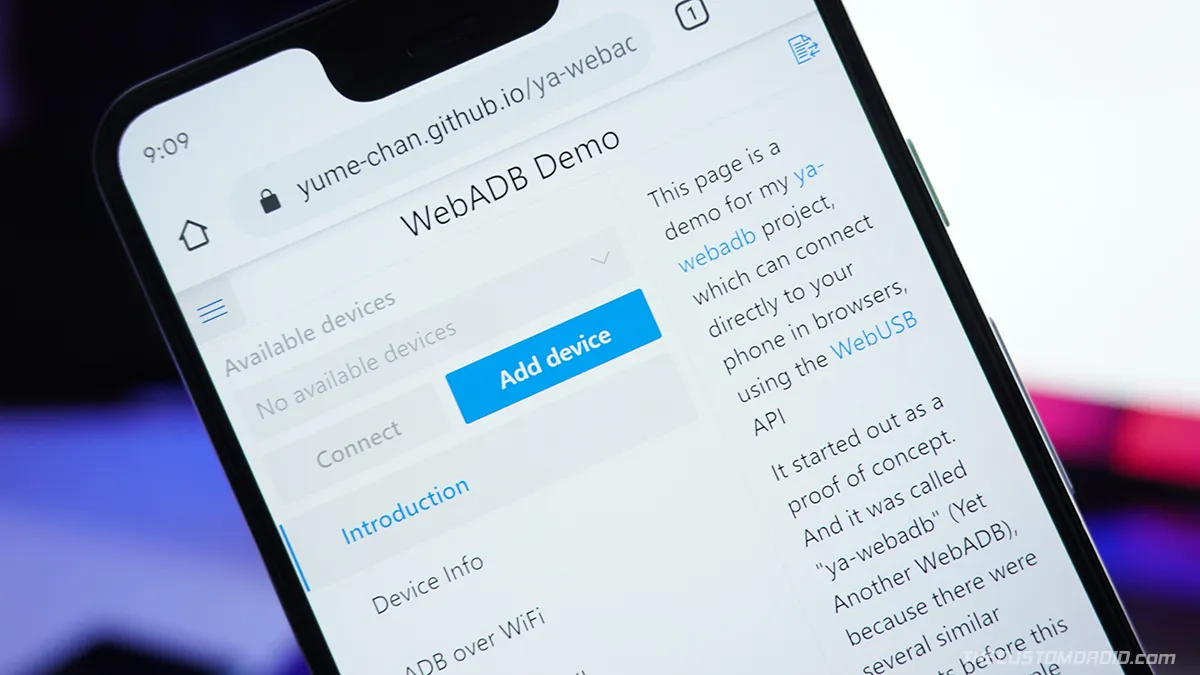
A complete guide to use WebADB to run ADB from web browsers that support the WebUSB API like Chrome, Edge, etc. Learn more about the tool and its features.
Learn how to easily uninstall pre-installed system apps and remove bloatware from Samsung Galaxy S20, S20+, and S20 Ultra without root.
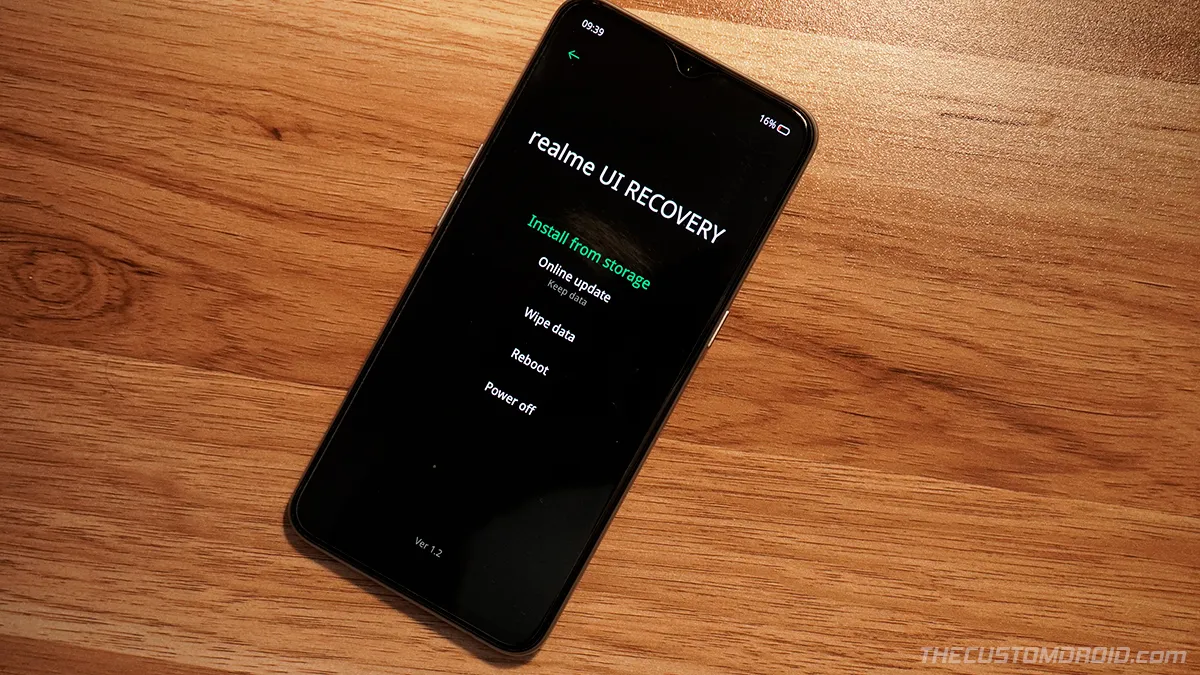
If you have or are about to indulge yourself in software modding and flashing, then you would need to enter Fastboot and Recovery modes on your Realme X2 Pro

Factory resetting your Realme X2 Pro can help fix software issues, failed software updates, and is also useful when selling the phone.