Enter Fastboot and Recovery Modes on OnePlus Nord [3 Different Ways]
Learn how to boot the OnePlus Nord into Fastboot and Recovery Modes, using OxygenOS Advanced Reboot menu, buttons combination, and ADB command.
Category
Get the most out of your Android device using these helpful tips and tricks.
Learn how to boot the OnePlus Nord into Fastboot and Recovery Modes, using OxygenOS Advanced Reboot menu, buttons combination, and ADB command.
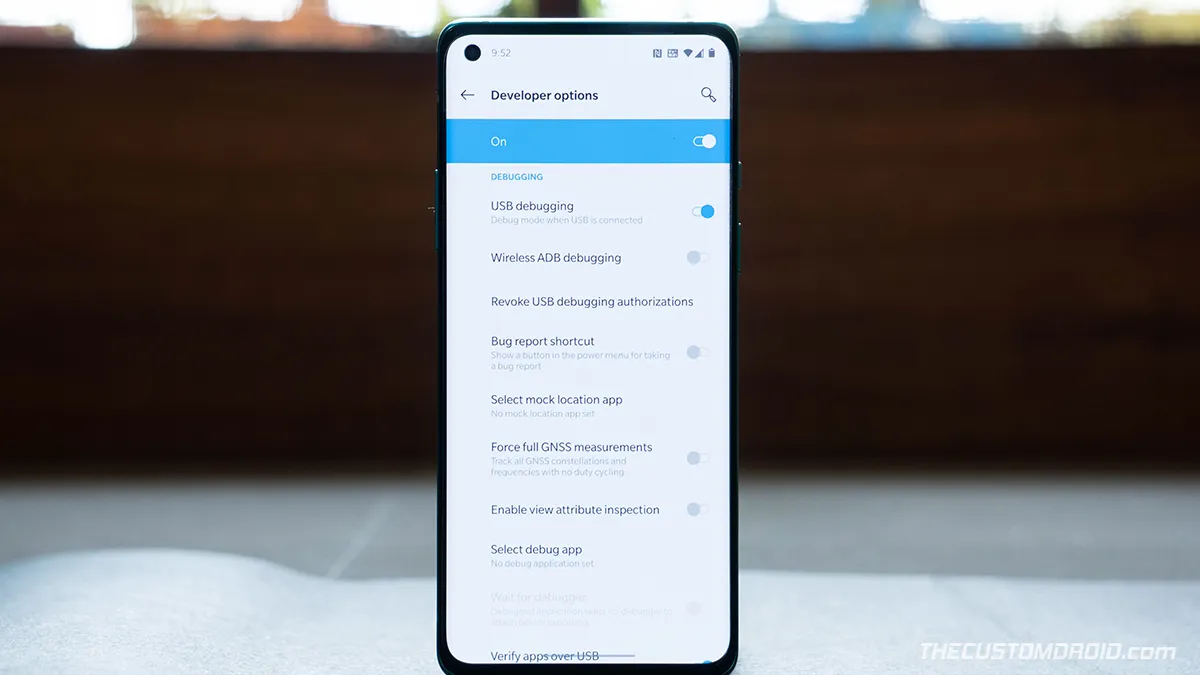
If you want to enable USB Debugging, OEM Unlocking, or the Advanced Reboot menu, then you'd first need to unhide/enable the developer options on your phone.
Factory resetting your OnePlus Nord can help fix a variety of software issues, failed software updates, and is also useful when selling the phone.
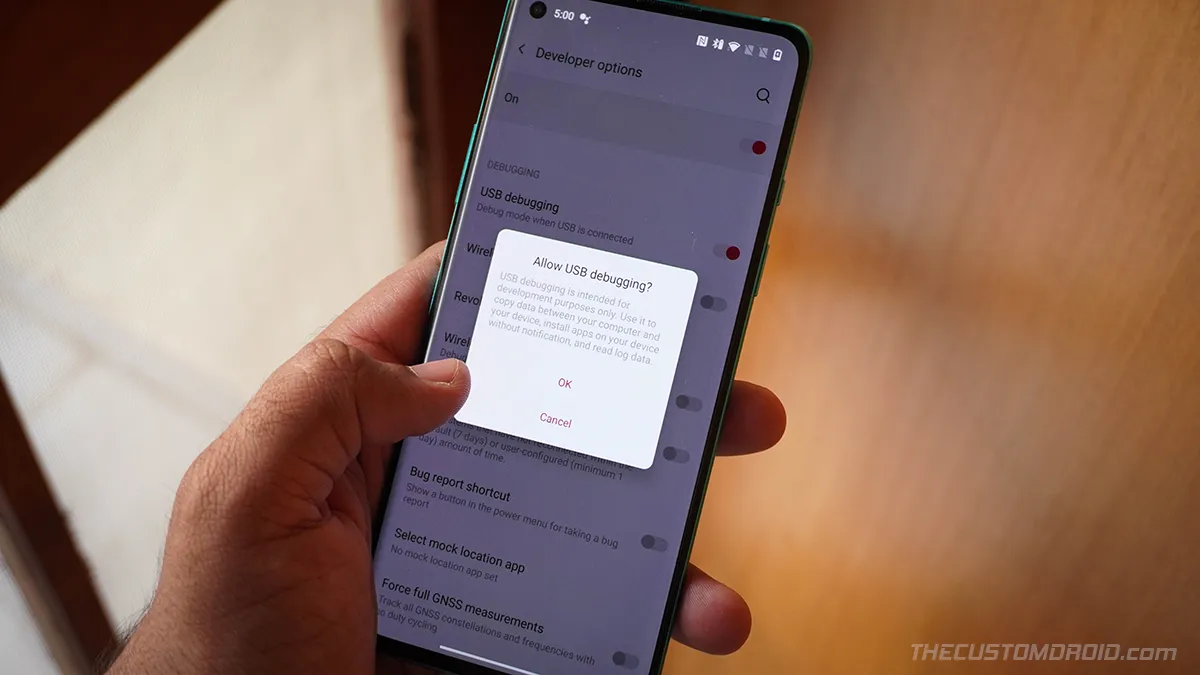
If you want to enable USB Debugging, OEM Unlocking, or the Advanced Reboot menu, then you'd first need to unhide/enable the developer options.
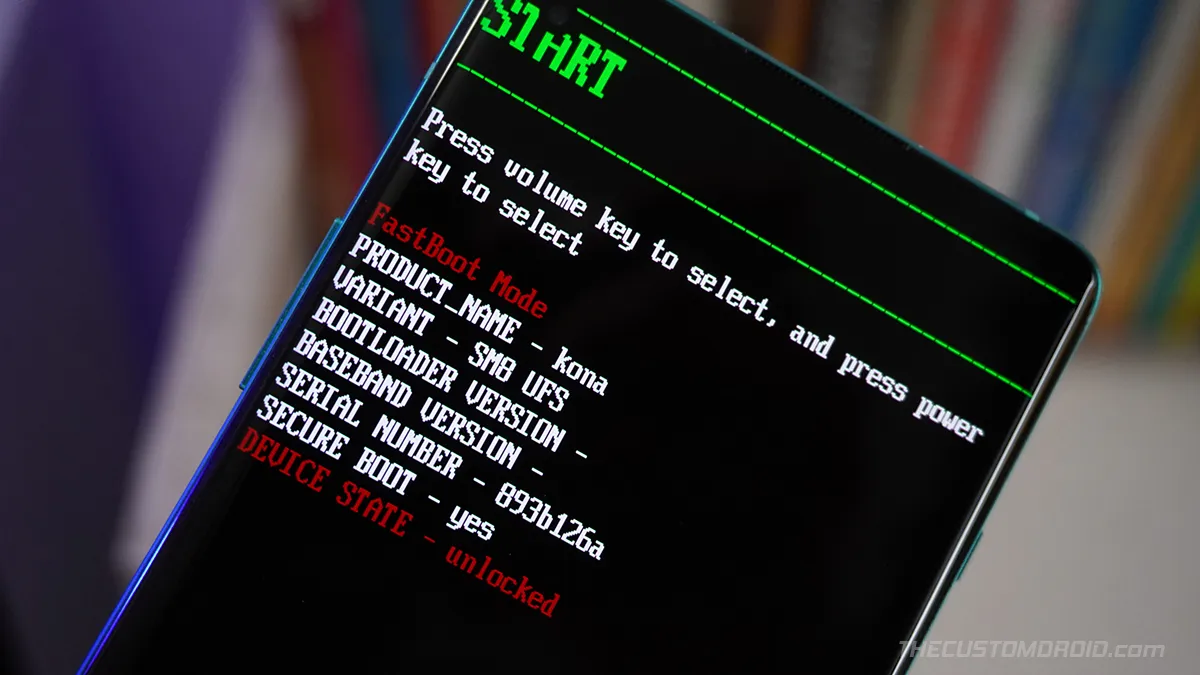
If you own the OnePlus 8T and have yourself indulged into things modding, flashing, etc, then you might need to enter Fastboot and Recovery modes at some point.
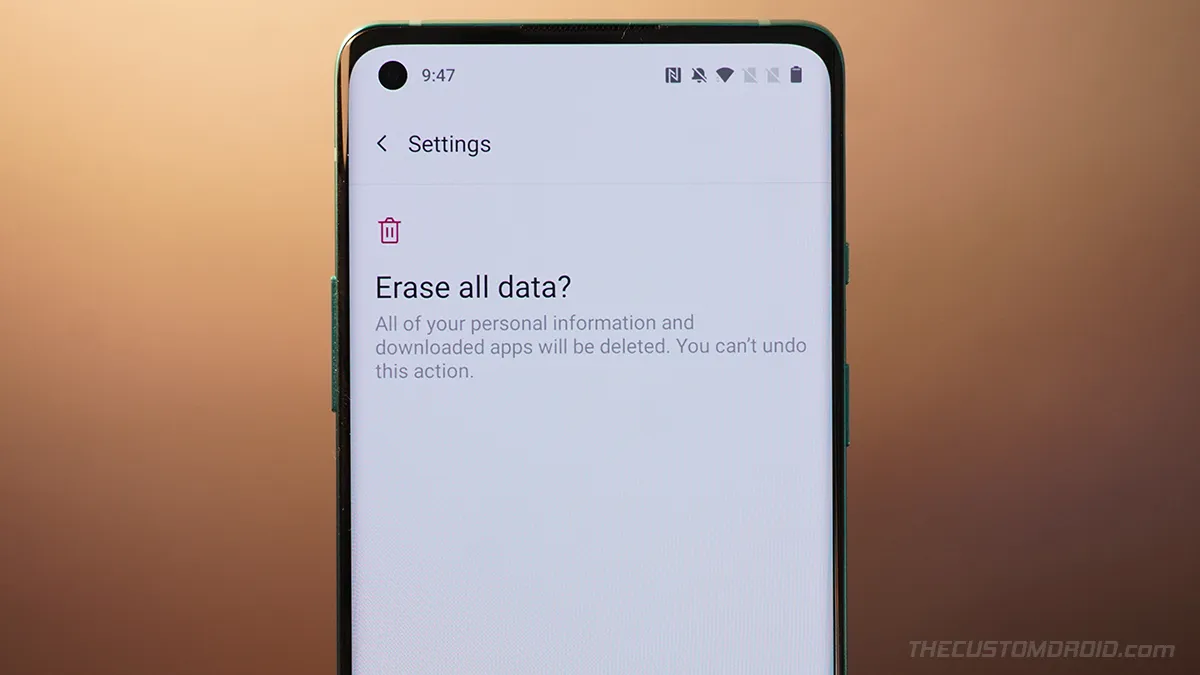
What is a factory reset? Follow this guide on how to factory reset (hard reset) the OnePlus 8T using the Settings menu and stock OxygenOS recovery.
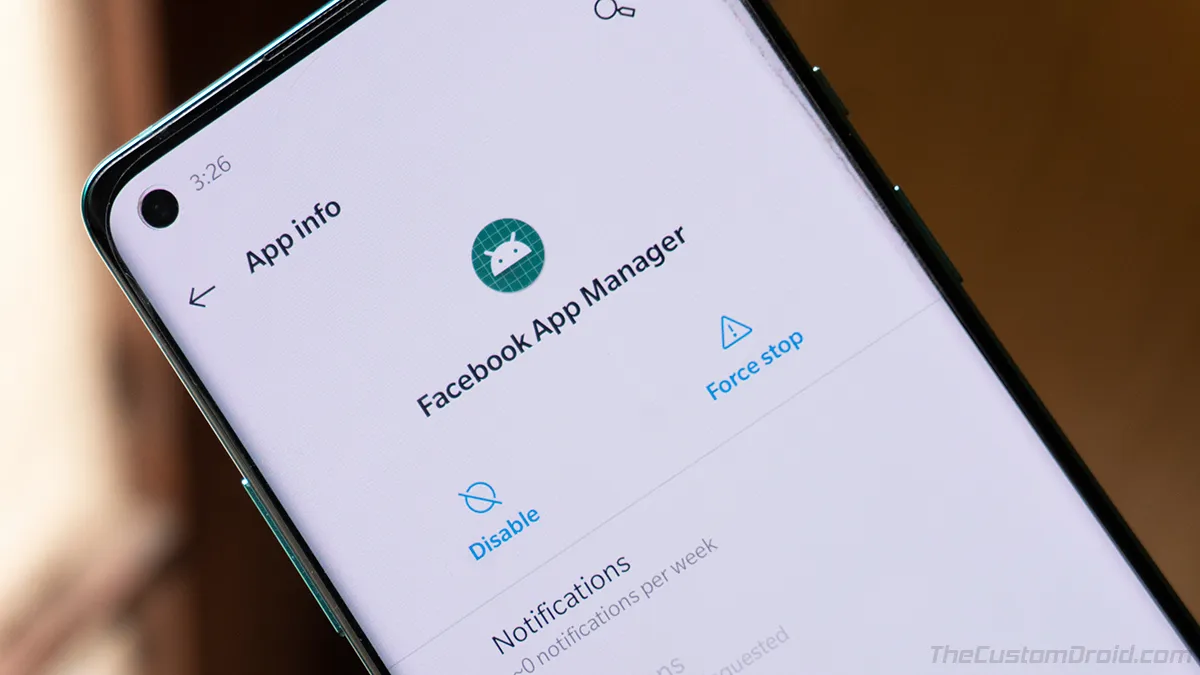
Learn how to remove Facebook Bloatware from OnePlus 8, 8 Pro, and Nord without root. Includes Facebook App Manager, App Installer, and Services.
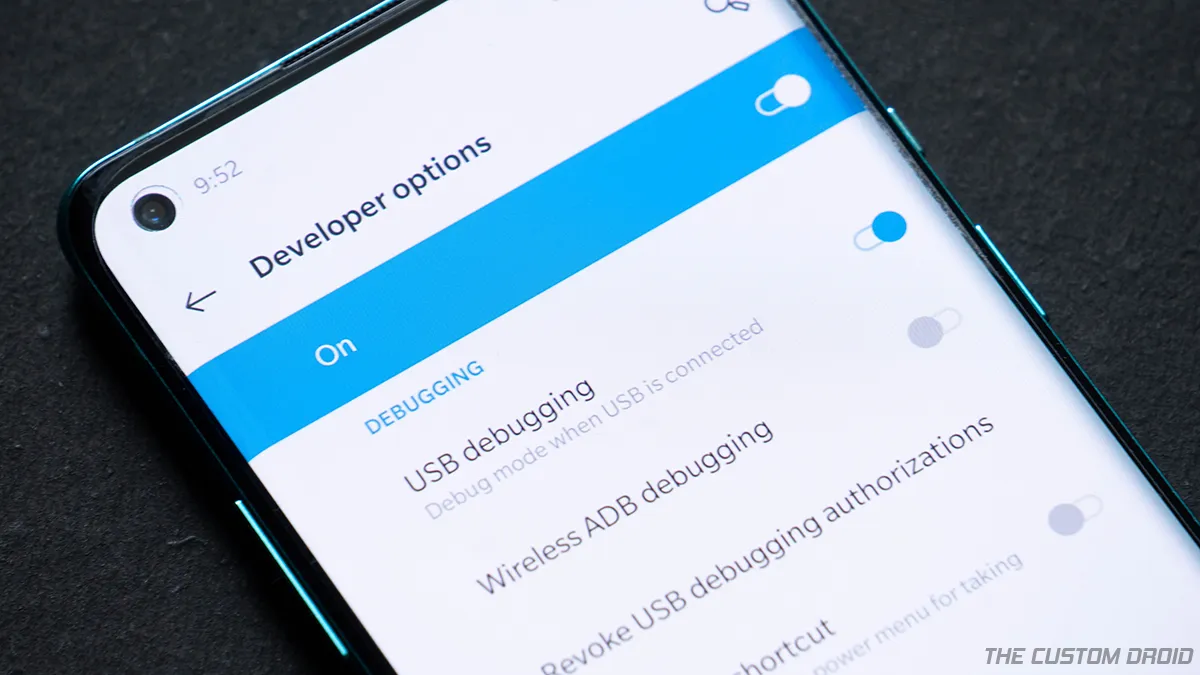
A step-by-step guide on how you can easily enable Developer Options and USB Debugging on OnePlus 8 and OnePlus 8 Pro.
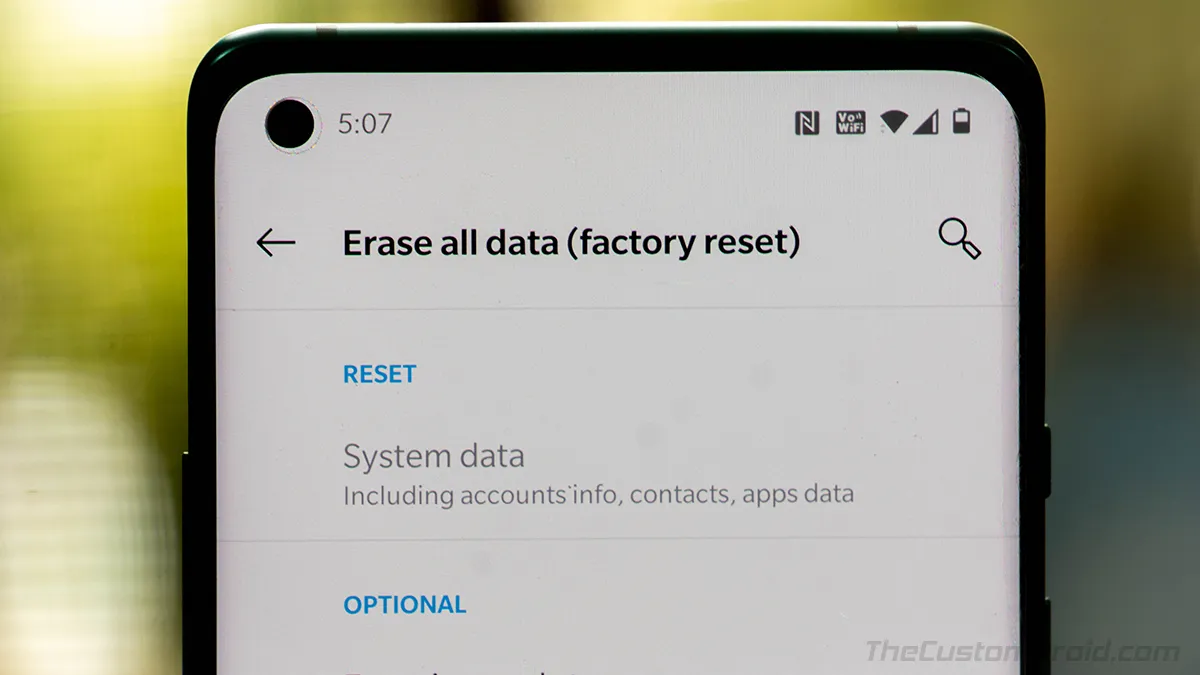
Learn how to perform a factory reset (hard reset) on your OnePlus 8/OnePlus 8 Pro using the settings menu and stock OxygenOS recovery.