Install OxygenOS 5.0.3 Update on OnePlus 3/3T (Brings Face Unlock)
The latest stable OxygenOS update for the OnePlus 3 and 3T brings the Face Unlock feature to the devices.
Tag
The latest stable OxygenOS update for the OnePlus 3 and 3T brings the Face Unlock feature to the devices.

The instructions in this guide will help you install OxygenOS on OnePlus devices using Local Upgrade option in Settings.
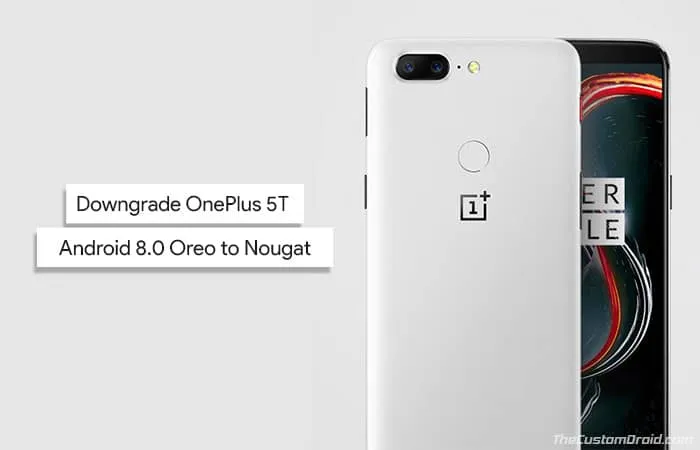
Does the latest Open Beta software suit your device and usage? If not, then follow this guide and learn how to downgrade OnePlus 5T Android Oreo to

Yet another security issue has risen concerning OnePlus 3 and 3T running OxygneOS 5.0.1. Here in this article, we will show you how to fix Factory Mode Harmful
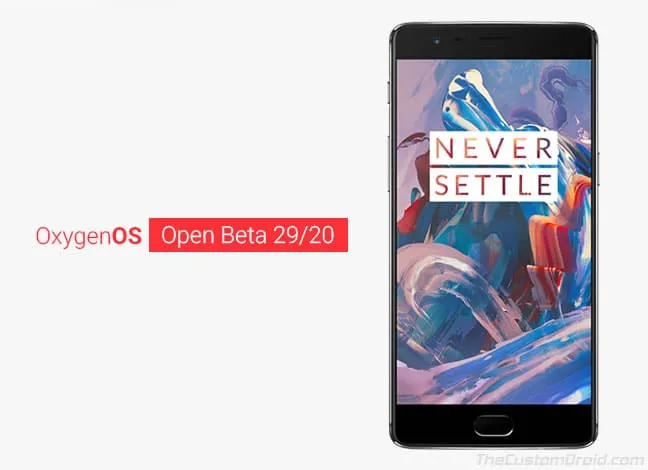
Another Android Oreo-based beta update is now rolling out to OnePlus devices released in 2016. You can follow this guide to download and install OxygenOS Open
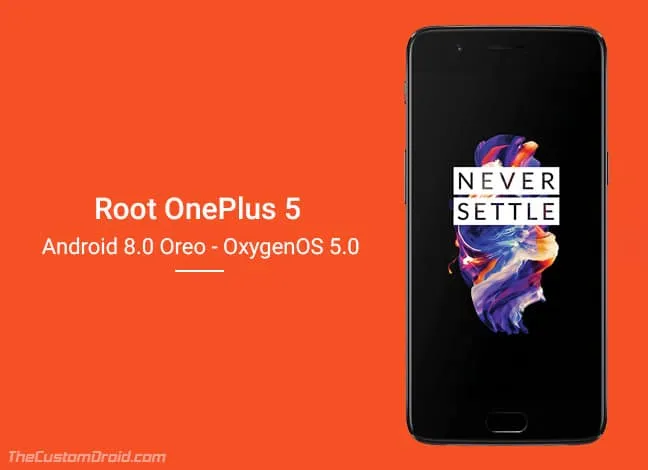
If you have updated to OxygenOS 5.0, then follow this tutorial on how to install TWRP recovery and root OnePlus 5 on Android Oreo 8.0 and 8.1.

OnePlus recently announced the first stable release of Oreo-based OxygenOS for OnePlus 3/3T. Here, we have listed a few OxygenOS 5.
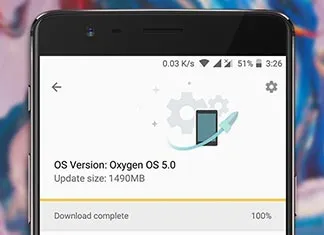
OnePlus has released the stable OxygenOS update based on Android Oreo. This tutorial guides on downloading and installing the OxygenOS 5.0 update on your OnePlus 3 and 3T right now.
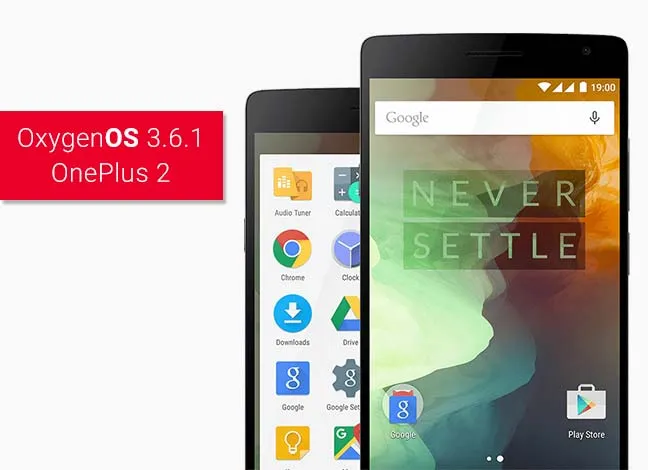
It might come to you as a surprise, but OnePlus has just released an update for the long forgotten OnePlus 2. Just follow this guide to install OxygenOS 3.6.