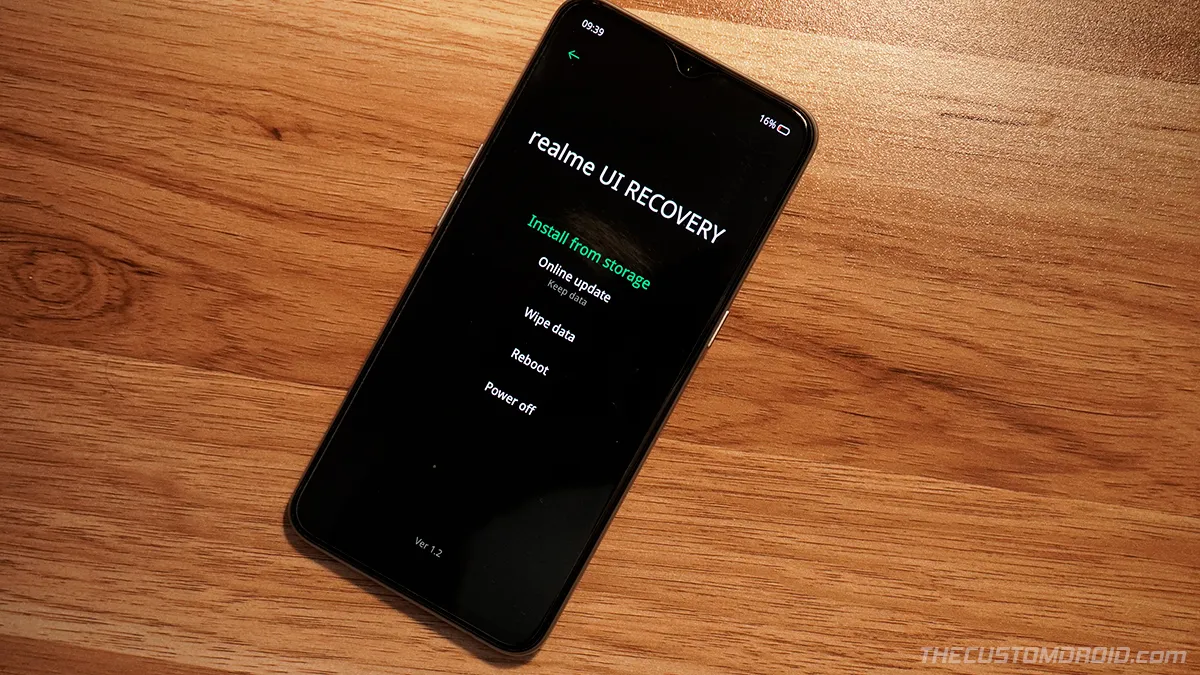
Guide: Boot Realme X2 Pro into Fastboot and Recovery Modes (2 Methods)
If you have or are about to indulge yourself in software modding and flashing, then you would need to enter Fastboot and Recovery modes on your Realme X2 Pro
Tag
If you have or are about to indulge yourself in software modding and flashing, then you would need to enter Fastboot and Recovery modes on your Realme X2 Pro
Factory resetting your Realme X2 Pro can help fix software issues, failed software updates, and is also useful when selling the phone.
Looking forward to flashing custom ROMs or rooting? Then you must unlock your phone's bootloader first.
Installing the Google Camera (GCam) port on the Realme 6 Pro can help boost the overall camera quality and allow you to use Google Pixel camera features like
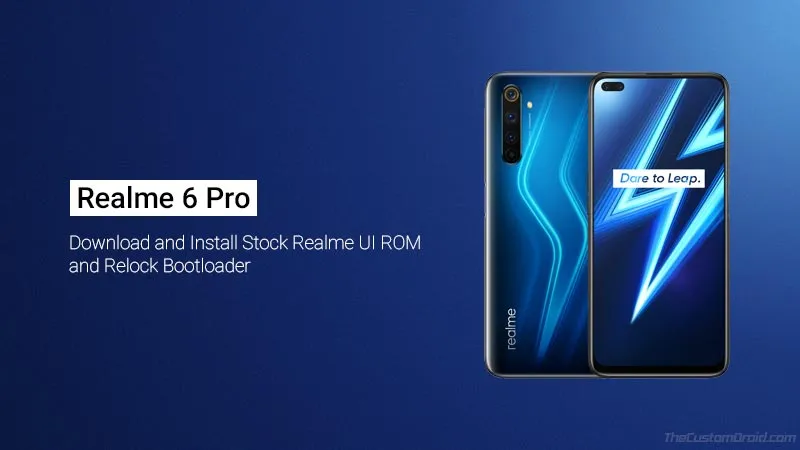
Through this guide, you will be able to download the Realme 6 Pro stock ROM (Realme UI) and learn how to install it to unbrick or unroot your phone.
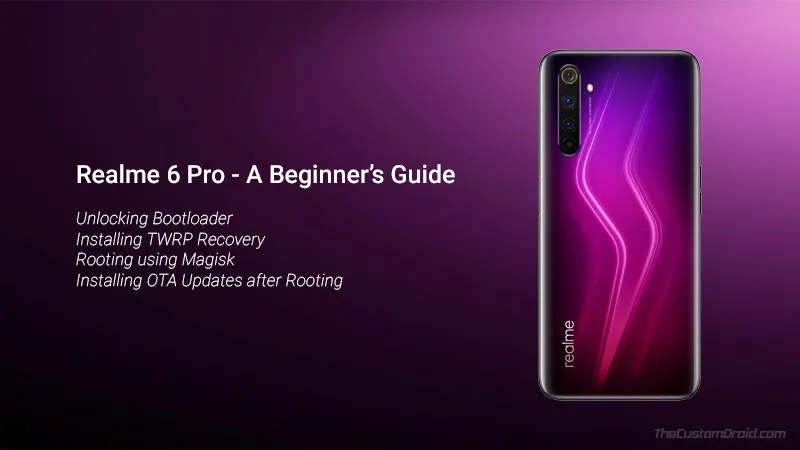
Through this step-by-step beginner's guide, you will learn how to unlock the bootloader, install TWRP recovery, and simultaneously root Realme 6 Pro using

Download the Realme Flash Tool and learn how to use it to flash stock firmware over Fastboot mode. Useful for unbricking your Realme device and upgrading/downgrading the firmware.
Through this guide, you will learn how to unlock the bootloader on Realme X50 Pro (5G) using the official Unlock Tool (In-Depth Test) and fastboot commands.
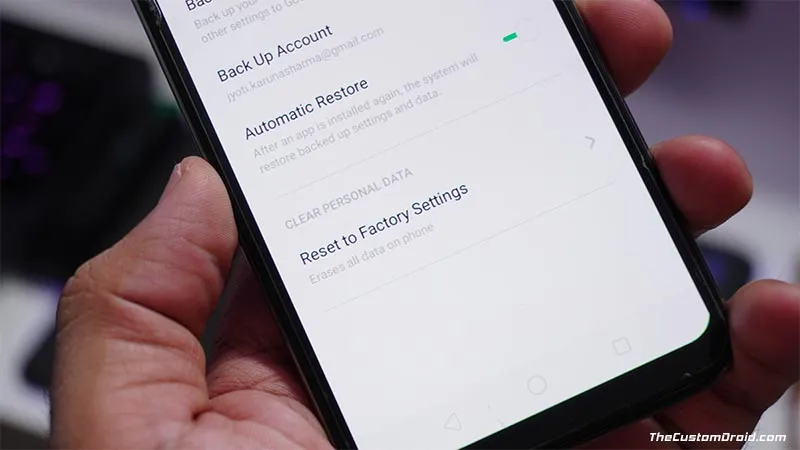
Through this guide, you will learn how to perform a factory reset on your Realme 6 Pro and restore it to its factory settings, either using the settings menu