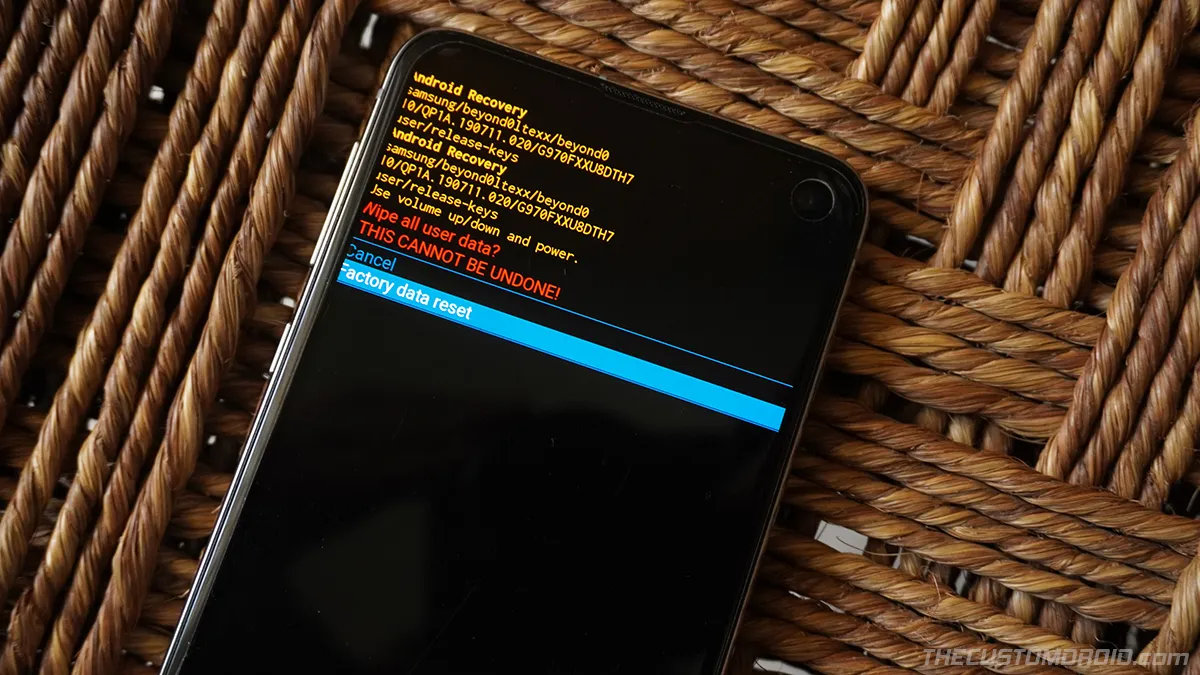
How to Factory Reset Samsung Galaxy S20, S20+, and S20 Ultra (2 Different Methods)
Learn how to perform a factory reset (hard reset) on the Samsung Galaxy S20, Galaxy S20+, and Galaxy S20 Ultra using the Settings and Stock Recovery.
Tag
Learn how to perform a factory reset (hard reset) on the Samsung Galaxy S20, Galaxy S20+, and Galaxy S20 Ultra using the Settings and Stock Recovery.
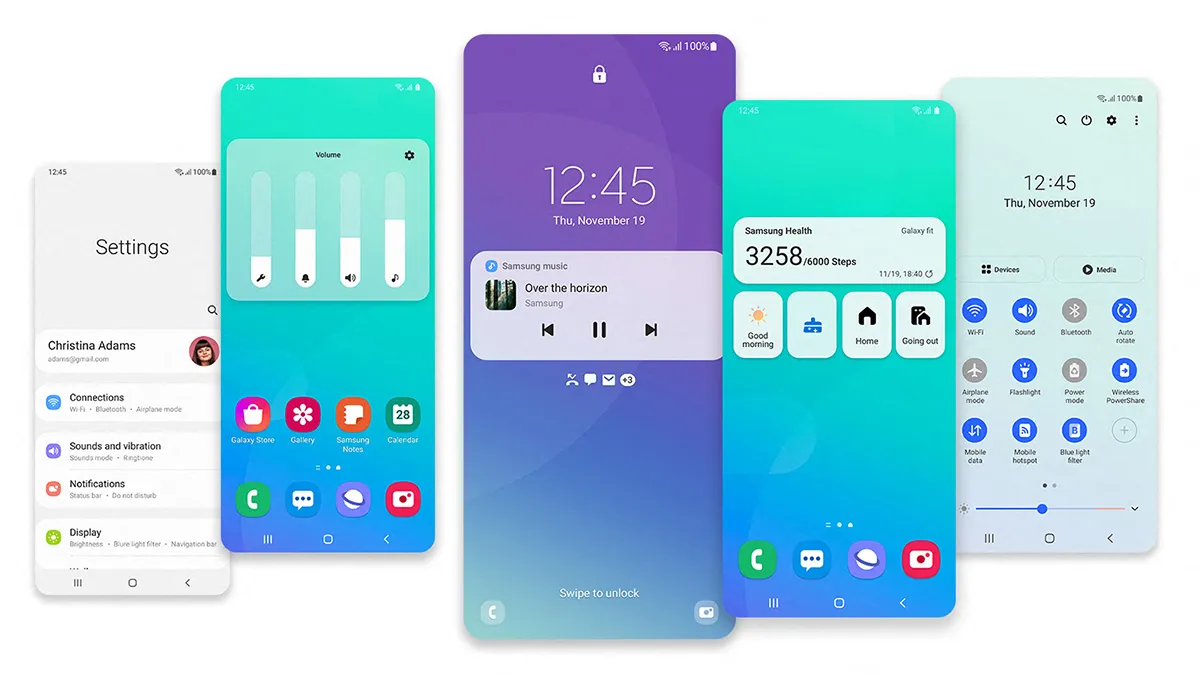
Learn how to download and manually install the Android 11-based OneUI 3.0 update on the Galaxy S20, S20+, and S20 Ultra right now.
Restoring the stock firmware can help you unroot and unbrick the device, fix software issues, and manually upgrade the software.
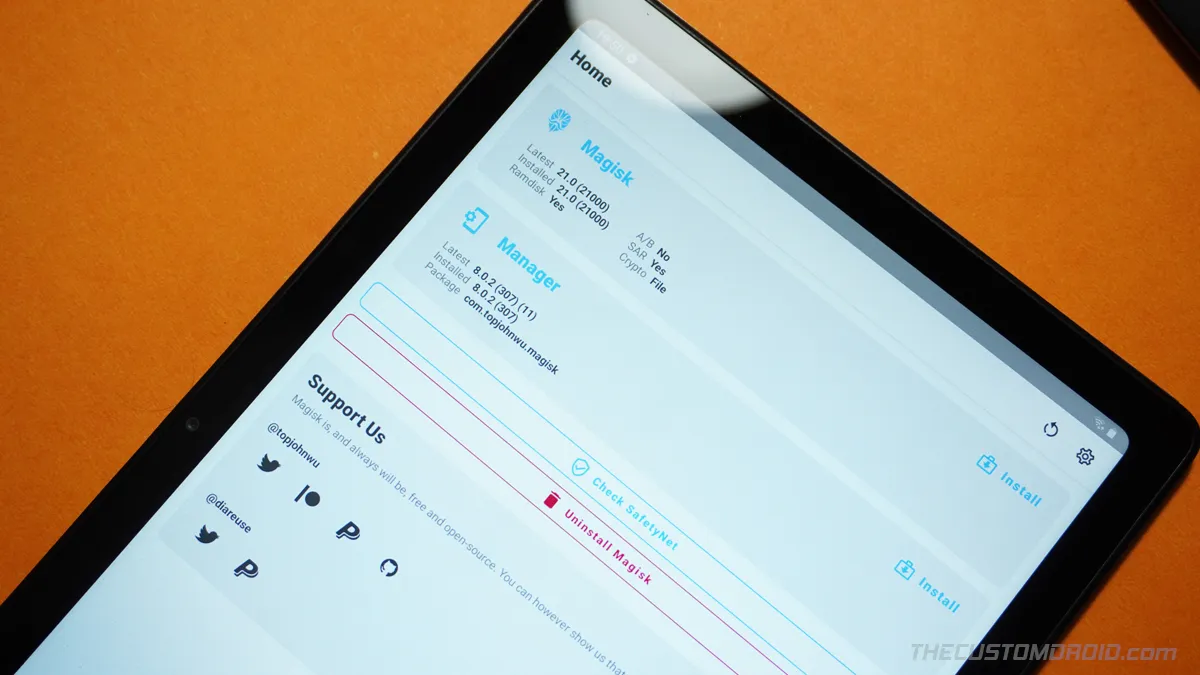
A comprehensive guide on how to unlock the bootloader and root Samsung Galaxy Tab A7 10.4 usign Magisk. Compatible with SM-T500 (WiFi) and SM-T505 (LTE).
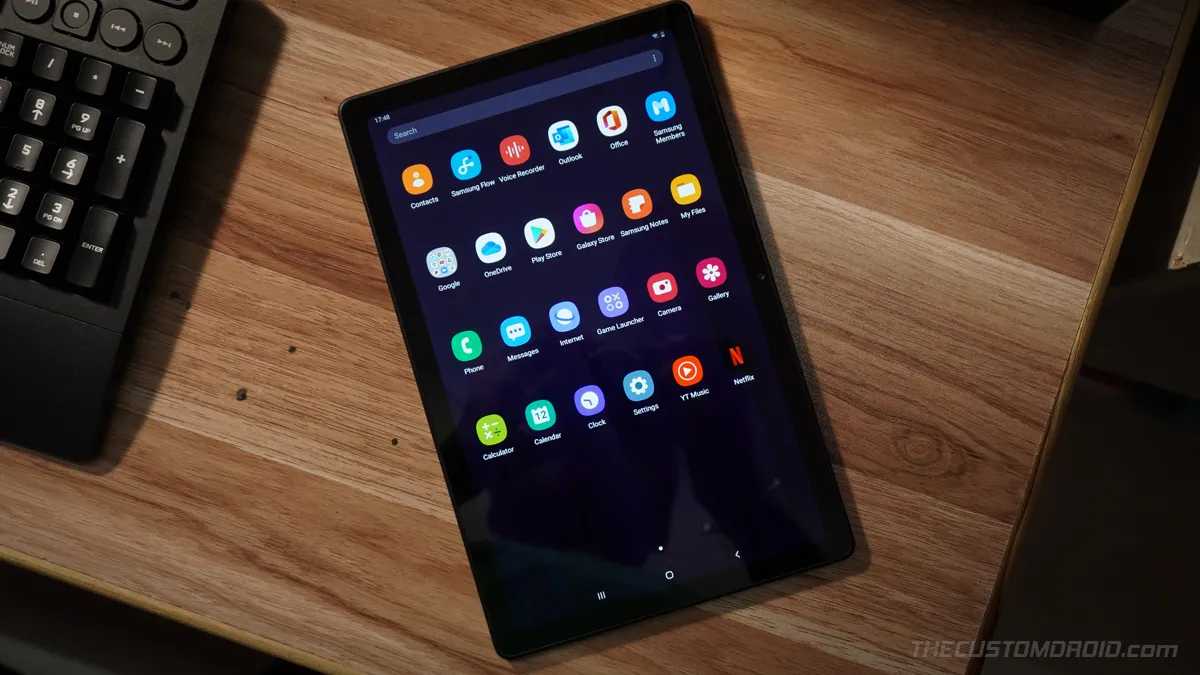
Seeing a lot of pre-installed apps on your Galaxy Tab A7 that you don't even use? You might want to remove them.
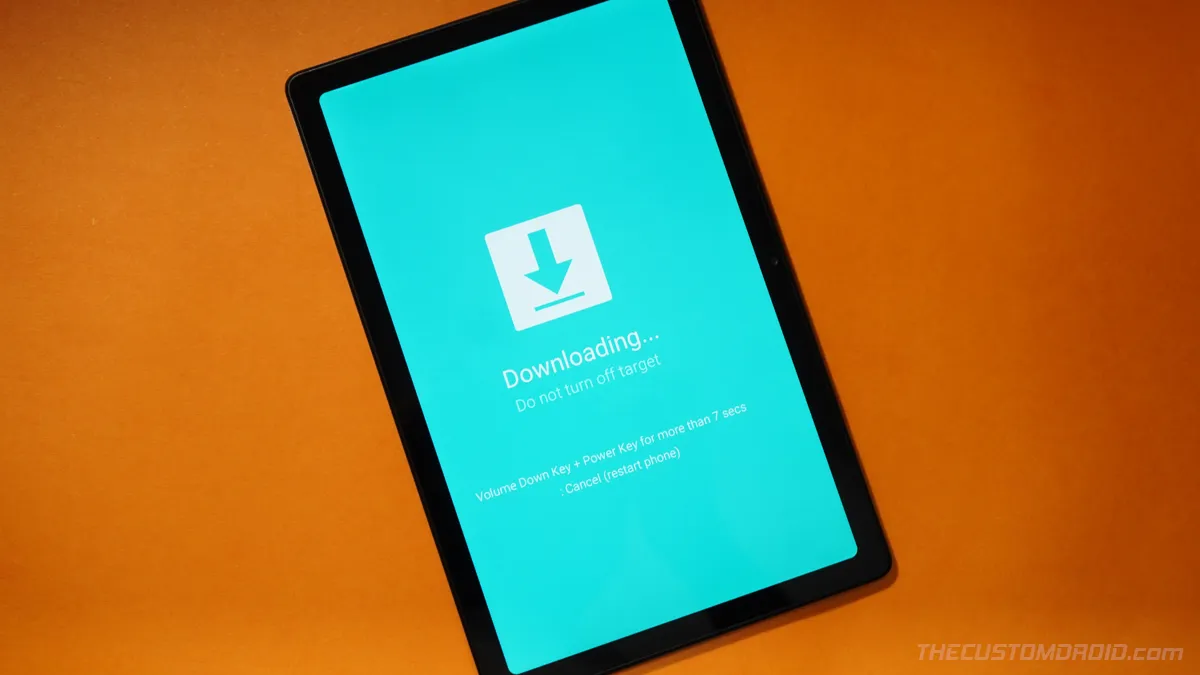
If you have yourself indulged in things like software modding, flashing, etc, then you might need to enter Download and Recovery modes at some point.
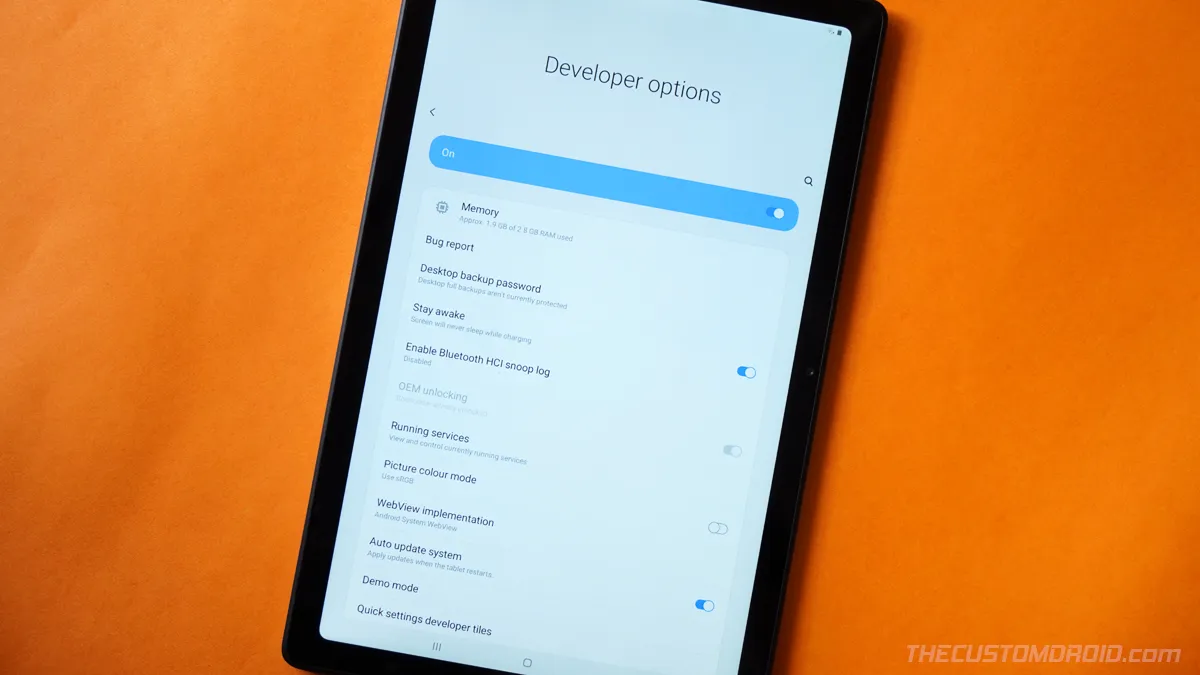
Developer Options on the Galaxy Tab A7 10.4 allow you to enable USB Debugging for using ADB commands, activate OEM unlocking for unlocking the bootloader,
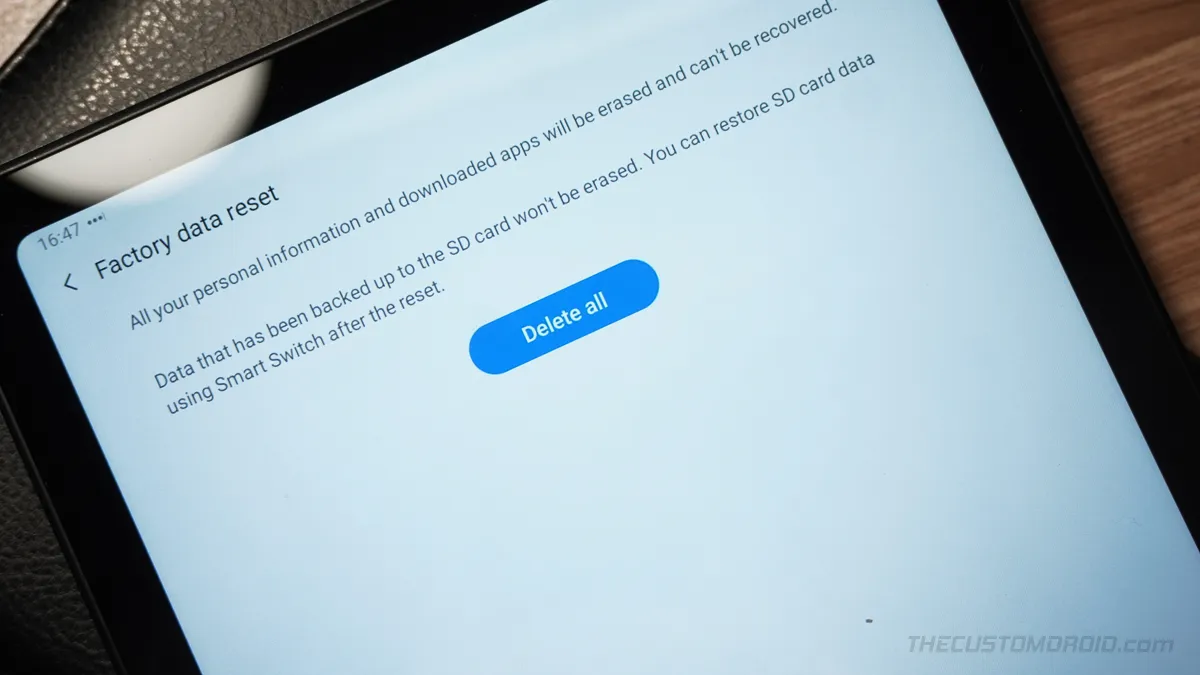
A factory reset can help you fix software issues, failed OTA updates, and is also super useful if you're selling your tablet or submitting it for RMA.
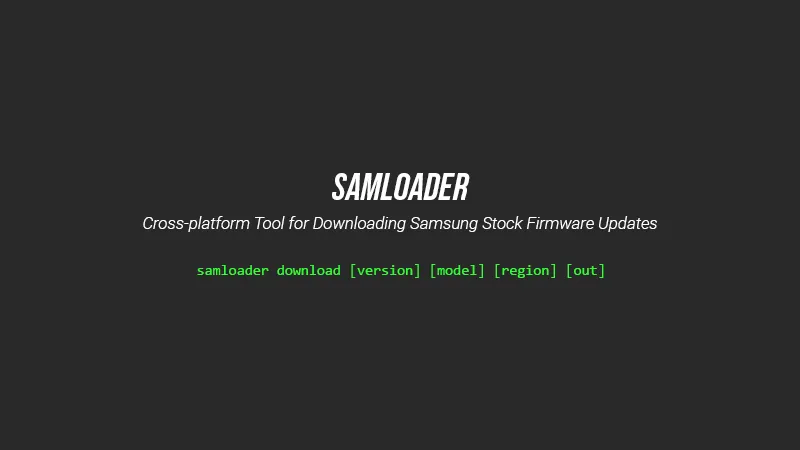
Samloader tool allows you to download stock firmware updates for Samsung Galaxy devices on Windows, macOS, & Linux. Learn how to download and use Samloader.