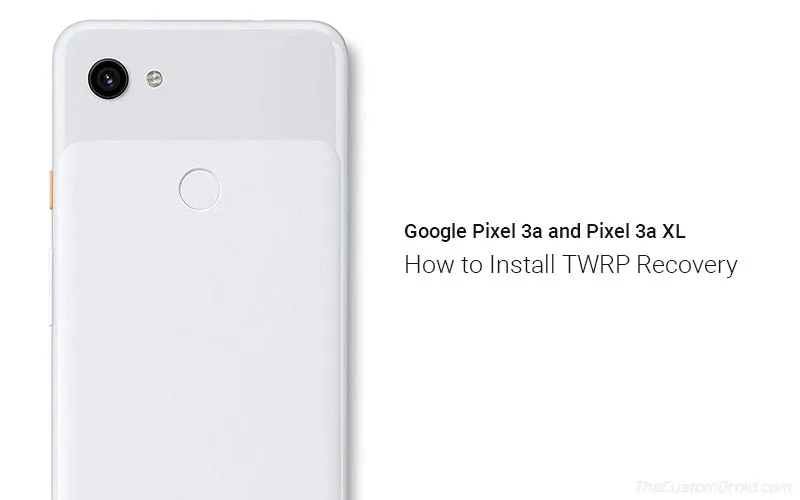
Install TWRP Recovery on Google Pixel 3a and Pixel 3a XL (Guide)
The infamous TWRP recovery now officially supports the Google Pixel 3a devices. Through this post, you can download and install TWRP recovery on Google Pixel
Author

Founder & Android Technical Writer
Dhananjay has more than 11 years of experience in Android software customization and development, and has spent the past 10 years writing about it. He spends most of his prime time reading, learning and writing about Android and other open-source projects. He is also a community-taught web developer. Apart from that, he loves mountain biking and playing video games on his PlayStation.
The infamous TWRP recovery now officially supports the Google Pixel 3a devices. Through this post, you can download and install TWRP recovery on Google Pixel
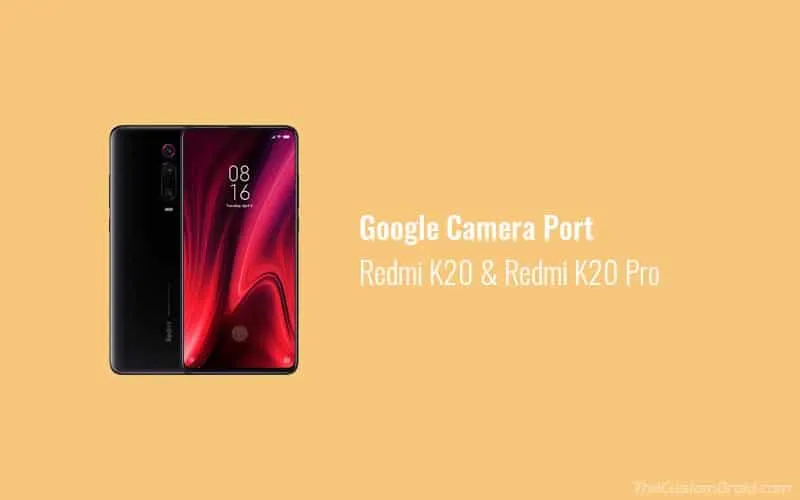
Through this page, you can download the latest and best Google Camera (GCam) 7.3 Ports for the Redmi K20/Xiaomi Mi 9T and Redmi K20 Pro/Xiaomi Mi 9T Pro.
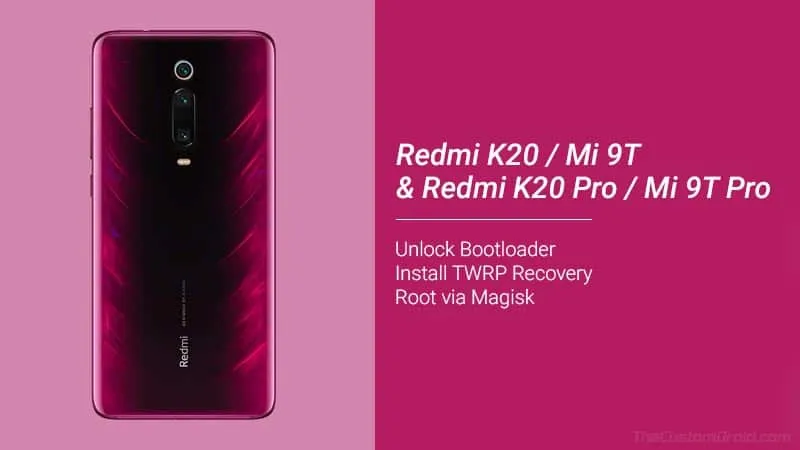
In this guide, you will learn how to unlock the bootloader, install TWRP recovery, and root Redmi K20 / Redmi K20 Pro using Magisk.
Proper USB drivers are essential for connecting your phone to the PC, to transfer files, work with ADB/Fastboot tools, firmware flashing, and more.
Follow this detailed guide on how to Unlock Realme 3 Pro Bootloader. Doing so will allow you to further install TWRP and root the phone.
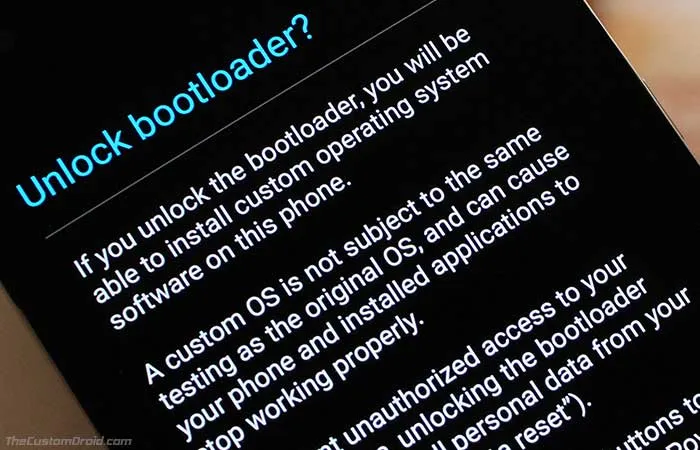
Having an unlocked bootloader allows you to flash factory images/stock firmware, install a custom recovery like TWRP or flash a custom ROM like LineageOS.
Want to flash stock KDZ/TOT firmware on your LG Android device? Through this post, you can download the latest version of LGUP Tool with UPPERCUT.
Although an unofficial build of TWRP recovery is available for the Zenfone 6, it doesn't work well with the latest software currently.
Here you can download LG Mobile USB Driver for Windows 7/8/8.1/10 and macOS PC. Further, we have also provided instructions on how to install these USB drivers